
TL;DR Summary
Evaluate Google Tag Manager for SaaS tracking changes. See what belongs in the data layer, how to test tags, and how to avoid duplicate events.
The job I’d give Tag Manager
Google Tag Manager is a way to deploy and manage tags. It helps when marketing changes often and engineering can provide a reliable data layer. I’d use it to route a confirmed event to the right analytics or advertising destination. The event should still have a clear owner and a documented trigger.
Review basis: publicly documented capabilities and a SaaS evaluation workflow. The steps below are a suggested test. They do not report a timed benchmark or a new side-by-side account test.
A concrete setup to test
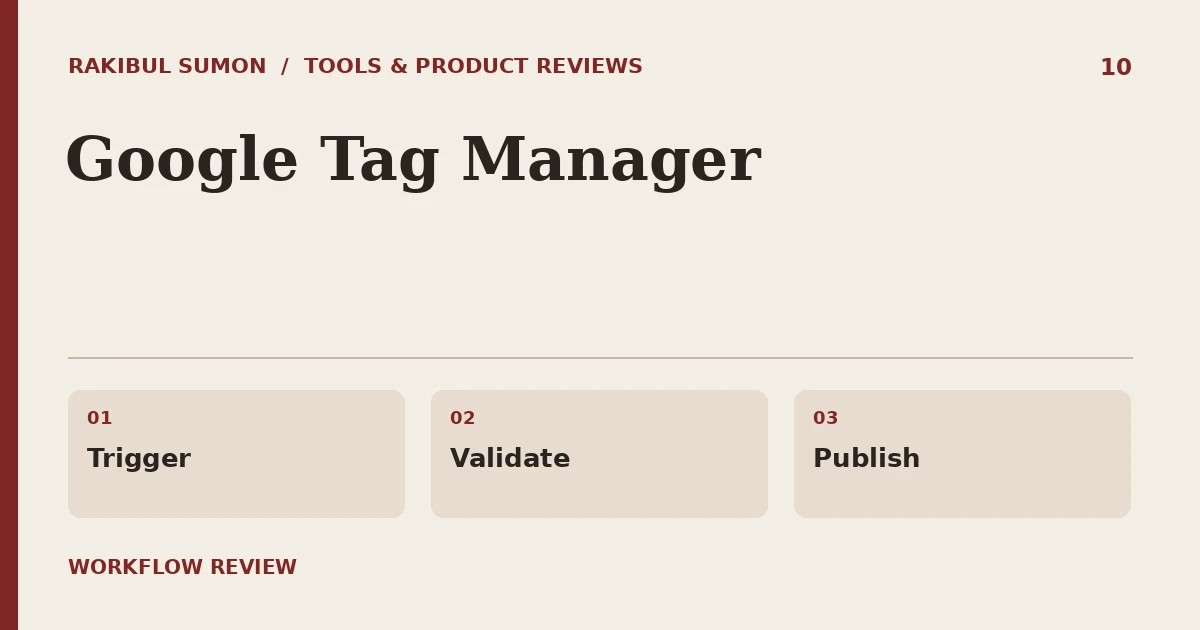
Use a demo form as the test case. The app should push an event after a successful submission, not simply when the visitor clicks the button. In Preview, check that the intended tag fires once on success and never on an error. Try a repeat submission and a blocked-consent scenario that matches your setup.
Where I’d be careful
A container with many tags can make it hard to tell what loads when. Set naming conventions, version notes, and a review step. Check for tags installed directly in the site as well as in Tag Manager. Do not pass personal data in analytics parameters. A container should route a known event, not invent business logic from button text.

Who benefits most
A small SaaS team with one stable analytics integration may be fine with direct instrumentation. Tag Manager earns its place when marketing can safely change tags without breaking the event contract. My acceptance test is whether a teammate can trace one event from the page to its destination and roll back a bad tag change.
Growth mechanics, zero fluff.
Join SaaS founders and operators getting weekly notes and tear-downs on organic acquisition and churn reduction.
Sources and further reading
Related workflow: SaaS analytics dashboard guide.