
TL;DR Summary
Review HubSpot Marketing Hub through one SaaS workflow, from demo form to sales follow-up. See where the CRM integration pays off and what to price.
The job it needs to do
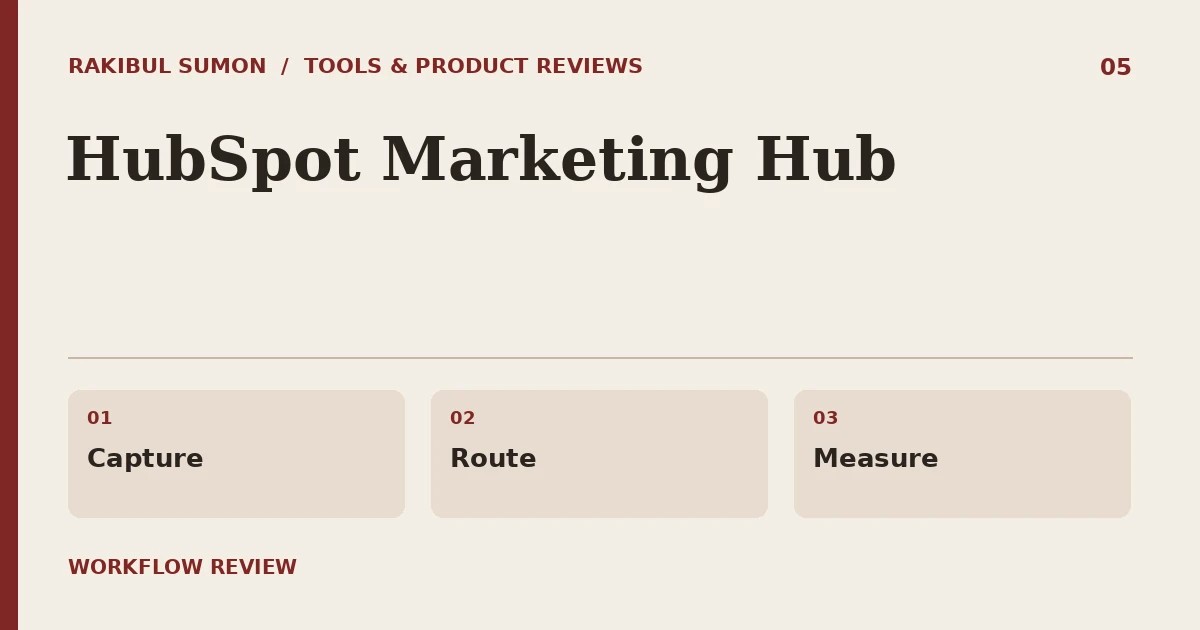
HubSpot Marketing Hub makes the strongest case when the work continues after a marketing form. For a sales-led SaaS team, the value is a clean path from capture to routing to a sales conversation. If you only send a weekly email and export contacts once a quarter, that integration may be more system than you need.
Review basis: publicly documented capabilities and a SaaS evaluation workflow. The steps below are a suggested test. They do not report a timed benchmark or a new side-by-side account test.
Walk a demo request through it
Create a test contact, submit a demo form with a tagged source, and check what a salesperson receives. Can they tell why the prospect reached out and who owns it? Then test a duplicate and a returning contact. If the process depends on lifecycle stages or automation, agree on who can change those rules.
Where costs show up
Check current pricing for marketing contacts, workflow access, seats, and any onboarding requirement. Model the bill for a normal month and a busy quarter. If you move a mailing list into the same system, decide which contacts should be marketable. Forecasting from the number of staff seats alone can miss an important cost driver.
When I’d pick a smaller stack
A tiny team with a short sales cycle can keep the existing CRM and use a lighter email tool. If product events and workspace membership drive your onboarding emails, compare Userlist or Customer.io on that same journey. Choose HubSpot when shared lead ownership and attribution save enough manual work to earn the complexity.
Growth mechanics, zero fluff.
Join SaaS founders and operators getting weekly notes and tear-downs on organic acquisition and churn reduction.
Sources and further reading
Related workflow: SaaS SEO metrics guide.